Mar 1, 2026
5 min read
Your website is one of your most valuable business assets. It represents your brand, generates leads, builds trust, and in many cases, drives revenue. But behind every successful website is a critical foundation that many business owners overlook — web hosting.
Choosing the wrong hosting can lead to slow loading times, security vulnerabilities, frequent downtime, and lost customers. Choosing the right hosting, on the other hand, ensures stability, performance, and long-term growth.
This guide will help you understand how to select the right hosting solution for your business website.
Why Hosting Matters More Than You Think
Many people focus heavily on design and features but ignore the infrastructure powering the site. Hosting directly impacts:
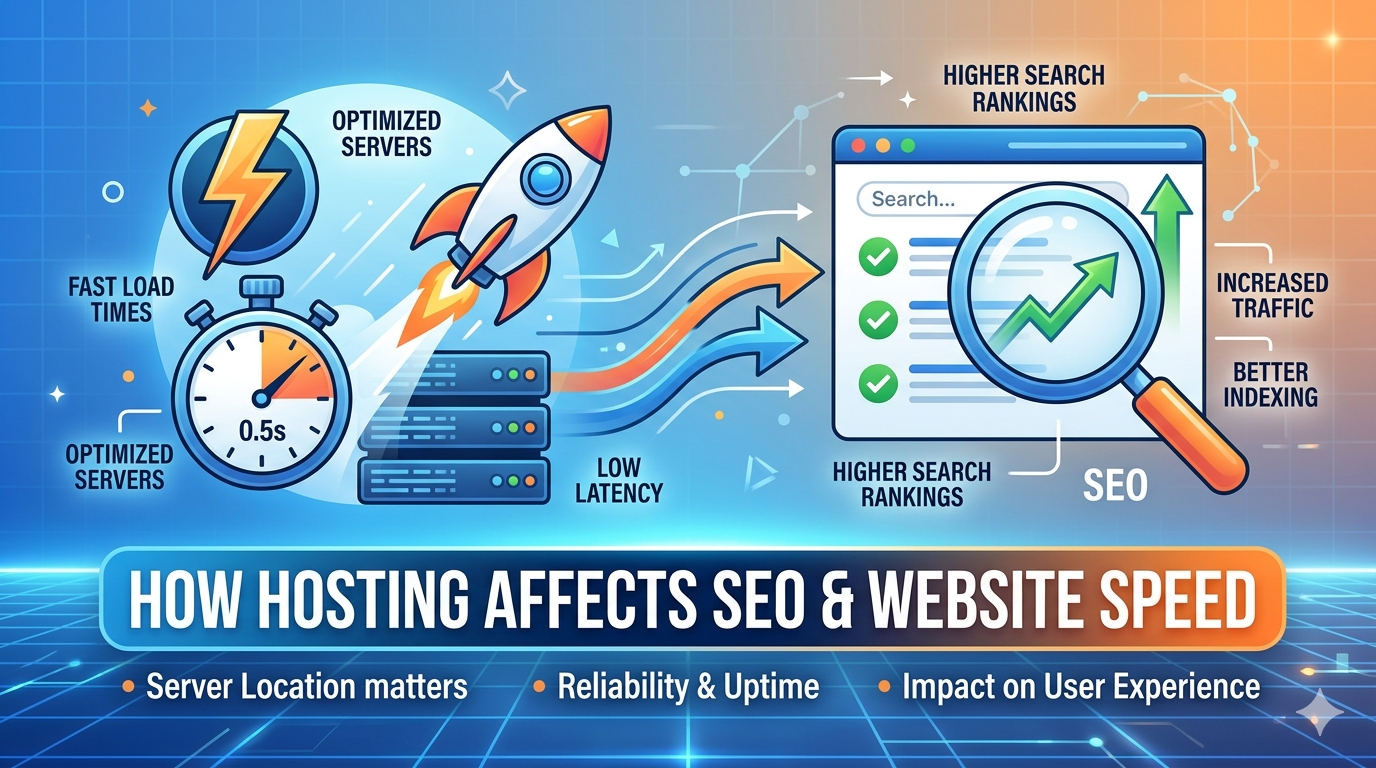
Website speed
Search engine rankings
Security
Uptime reliability
User experience
Conversion rates
If your site loads slowly or goes offline regularly, visitors will leave — and they may not return. Search engines also penalize slow or unstable websites, which means poor hosting can quietly damage your online visibility.
For a business website, hosting is not just a technical requirement — it is a strategic decision.
Step 1: Understand Your Website’s Purpose
Before comparing hosting plans, define your needs clearly.
Ask yourself:
Is this a simple informational website or a full eCommerce platform?
How much traffic do I expect monthly?
Will I run ads or marketing campaigns?
Do I need business email accounts?
Will the website scale significantly in the next 1–2 years?
A small portfolio site and a growing online store require completely different hosting environments. Choosing based on current and future needs prevents costly migrations later.
Step 2: Learn the Main Types of Hosting
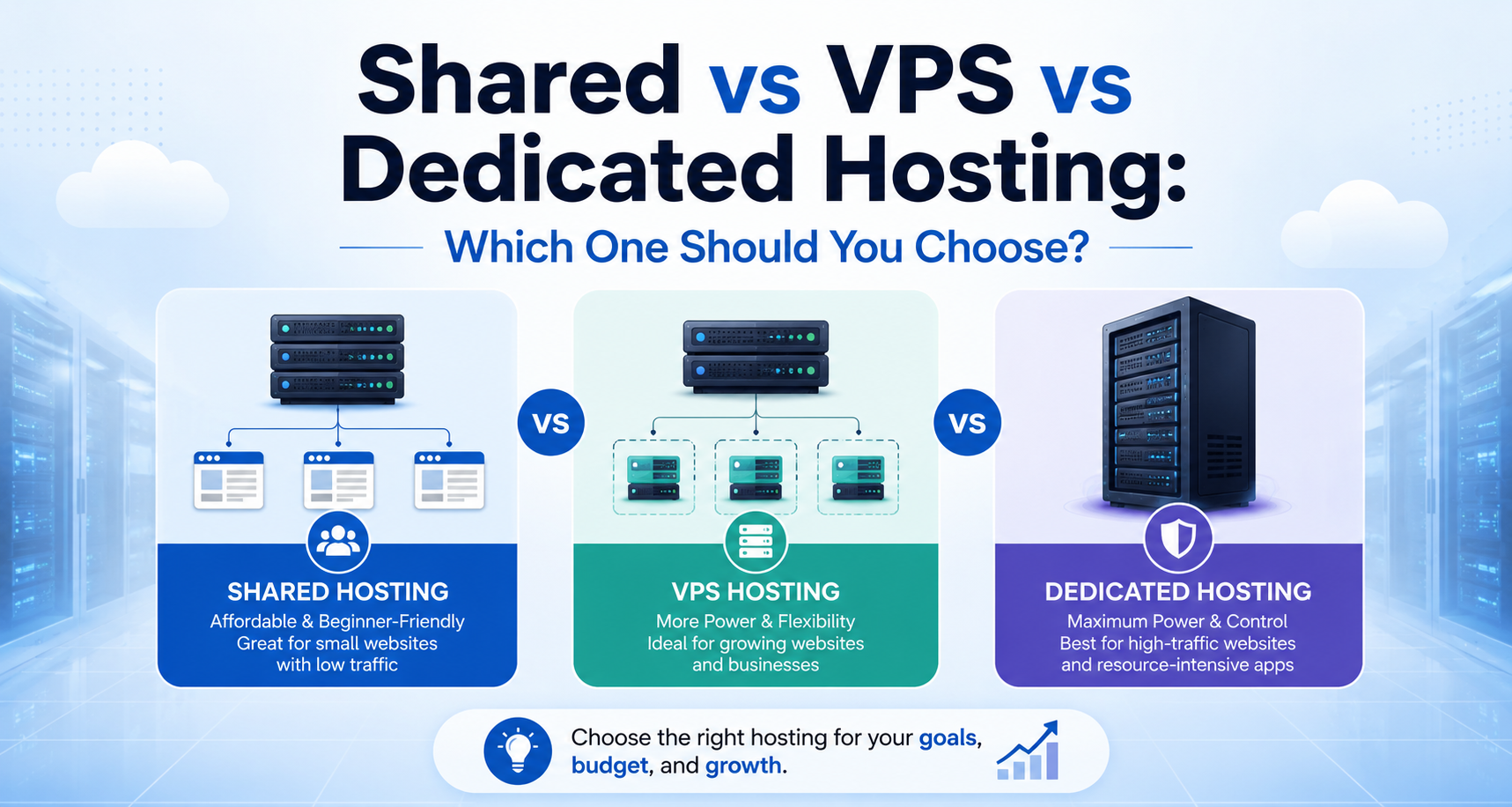
Shared Hosting
Shared hosting means your website shares server resources with many other websites.
It is suitable for:
New businesses
Low-traffic websites
Budget-conscious startups
Advantages:
Affordable
Easy to manage
Beginner-friendly
Limitations:
Limited performance during traffic spikes
Less control over server configuration
For many small businesses starting out, shared hosting is a practical entry point.
VPS (Virtual Private Server)
VPS hosting divides a physical server into virtual sections, giving you dedicated resources.
It is ideal for:
Growing businesses
Medium-traffic websites
Businesses needing better performance
Advantages:
Improved speed and stability
More control and customization
Better scalability
Compared to shared hosting, VPS offers a noticeable performance improvement, making it a strong choice once your business begins expanding.
Dedicated Server
With a dedicated server, your business gets an entire physical server exclusively.
It is best suited for:
Large companies
High-traffic websites
Enterprise-level applications
Businesses handling sensitive data
Advantages:
Maximum performance
Highest security level
Full control
This option is powerful but more expensive and typically unnecessary for small businesses in their early stages.
Step 3: Check Uptime Guarantee
Uptime measures how consistently your website remains accessible.
A professional hosting provider should offer at least 99.9% uptime. Even small periods of downtime can result in:
Lost sales
Reduced credibility
Lower search rankings
For a business website, reliability is essential. Always review uptime guarantees and reputation before committing.
Step 4: Evaluate Speed and Performance
Speed influences both user behavior and SEO performance.
When choosing hosting, look for:
SSD or NVMe storage
Modern server technologies (such as optimized web servers)
Built-in caching support
CDN compatibility
Fast websites keep visitors engaged and improve conversion rates. Slow websites push potential customers away.
Step 5: Review Security Features Carefully
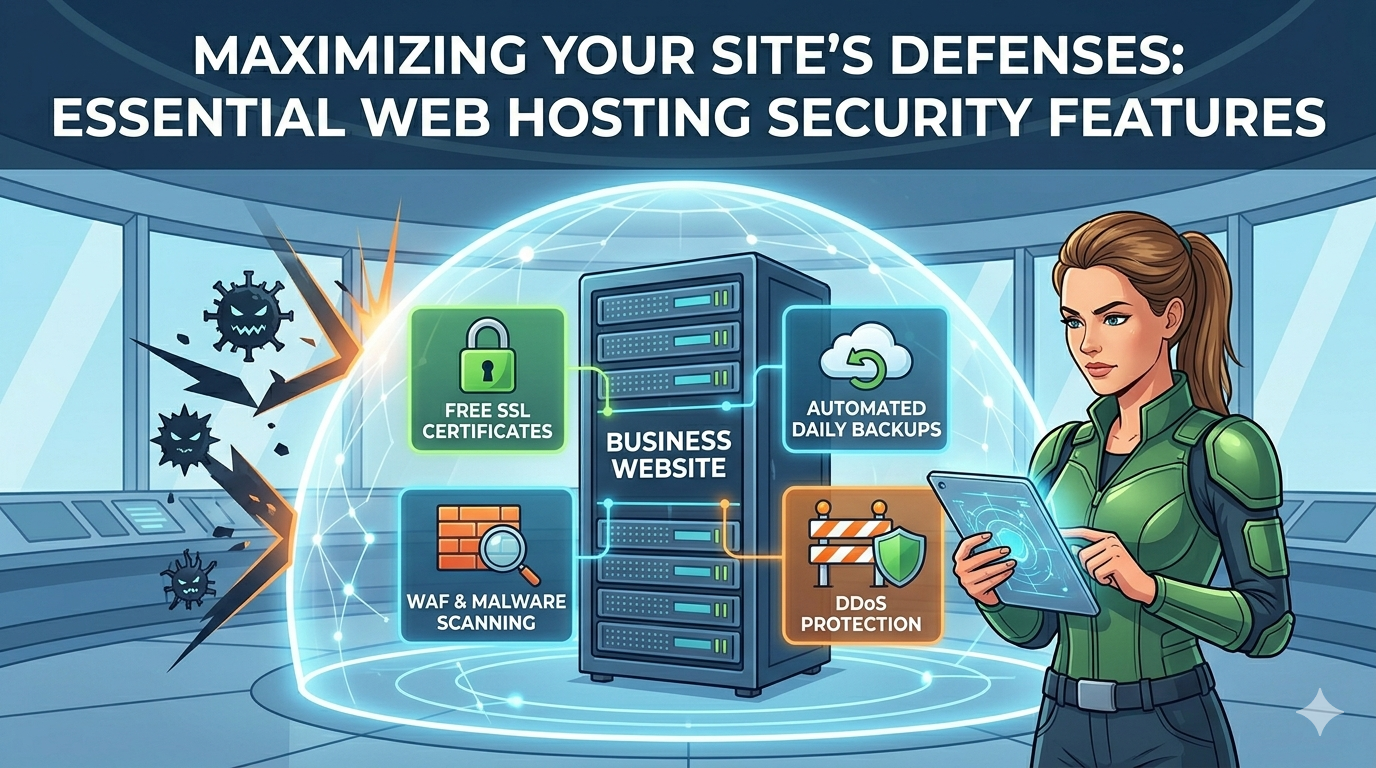
Cyber threats are increasing every year. Your hosting provider should include strong security measures such as:
Free SSL certificate
Regular automated backups
Malware scanning
Firewall protection
DDoS protection
If your website collects customer data, processes payments, or stores confidential information, security must be a top priority.
Step 6: Consider Scalability
Your hosting solution should grow with your business.
Choose a provider that allows:
Easy upgrades between plans
Resource expansion without downtime
Smooth migration support
Switching hosting later can be complex and risky. Selecting a scalable solution from the beginning protects your long-term growth.
Step 7: Assess Technical Support Quality
Even with reliable hosting, technical issues can occur.
Professional hosting should provide:
24/7 support
Fast response times
Knowledgeable technical assistance
Multiple support channels (chat, email, ticket system)
When your business depends on online availability, responsive support becomes extremely valuable.
Step 8: Don’t Choose Based on Price Alone
It is tempting to choose the cheapest hosting option. However, extremely low-cost plans often compromise on:
Speed
Security
Customer support
Stability
Instead of focusing solely on price, evaluate overall value. Reliable hosting prevents future problems that may cost far more than the initial savings.
What Hosting Is Right for Your Business?
Here is a simple guideline:
Small startup website → Shared hosting
Growing business website → VPS hosting
High-traffic or enterprise platform → Dedicated server
If you are unsure, consulting with professionals can help you avoid technical mistakes and unnecessary expenses.
Final Thoughts
Choosing the right hosting is not just about where your website lives — it is about performance, security, and long-term business stability.
The right hosting ensures:
Faster loading speed
Stronger security
Better search engine visibility
Higher customer trust
Room for growth
The wrong hosting can quietly limit your success.
If you want your website to perform reliably and support your business goals, make hosting decisions carefully — or seek expert guidance to ensure you build on a strong foundation.

 security